Where Should You Put a Wi-Fi Router in a Two-Story House?
Find the best Wi-Fi router location in a two-story house, with practical guidance for central placement, height, obstructions, mesh systems, and coverage testing.
In a two-story house, the best Wi-Fi router location is as close to the center of the home as practical, positioned in an open area around the middle height of the building. An upstairs hallway, open stair landing, or central room can work well when the internet connection enters nearby. The exact best spot depends on the home’s layout, wall materials, and where you use devices.
Avoid hiding the router in a basement corner, closed cabinet, metal rack, or far edge of the house. Wi-Fi signals travel through floors and walls, but concrete, brick, mirrors, appliances, plumbing, and dense furniture weaken them. A router that looks tidy but is boxed in often delivers poor coverage.
Start with a sensible central placement and test real-world performance in the rooms that matter. If one router cannot reach all areas reliably, a mesh system or wired access point is usually a better answer than moving the router repeatedly.
Aim for the Center of the Home
Imagine the router’s signal spreading outward in every direction. A central position gives it the best chance of reaching both floors evenly. If the modem connection is in an exterior room, consider whether a longer Ethernet cable, a professionally installed cable run, or a mesh node can move Wi-Fi closer to the middle.
The geometric center is not always practical. Prioritize the rooms where video calls, streaming, gaming, cameras, and smart devices are used. A router placed slightly toward those high-demand spaces may be more useful than one centered over rarely used rooms.
Choose a Useful Height
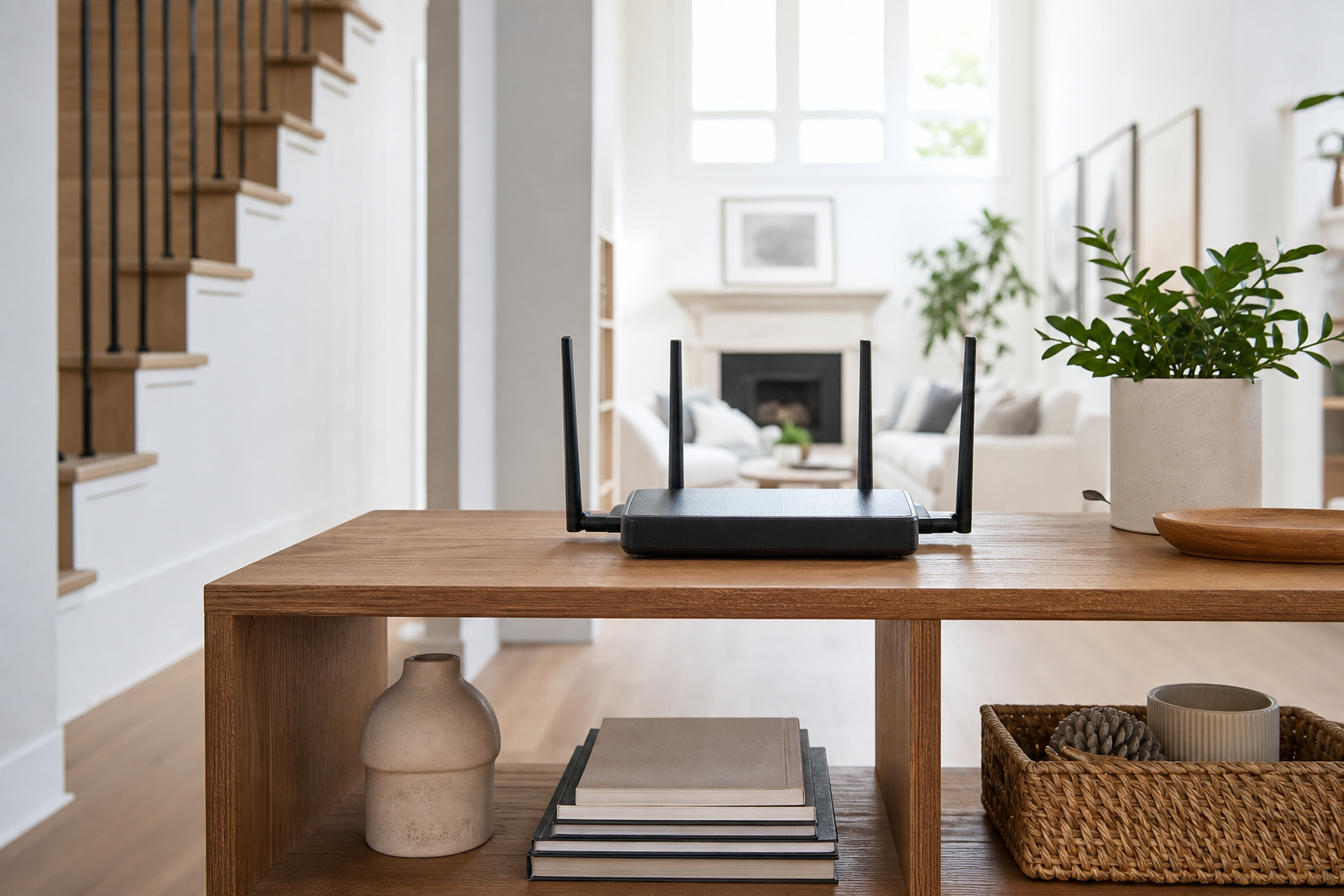
Place the router on a shelf, table, or open cabinet rather than directly on the floor. In a two-story home, a mid-level location near the stairwell can help signals reach up and down. Keep it upright or oriented exactly as its manufacturer specifies.
Do not mount a router high inside a closed cabinet merely to hide it. The goal is open air around the antennas and vents, not maximum elevation. Keep the unit stable, dry, and out of reach of small children or pets.
Keep It Out in the Open
Large metal objects and enclosed furniture can reflect or absorb signal. Avoid placing the router behind a television, inside a media console, next to a microwave, or in a utility closet crowded with pipes and electrical panels. Glass aquariums and large mirrors can also affect coverage.
Leave ventilation space around the router. Overheating can cause slow performance or intermittent disconnects that look like a signal problem. Dust vents gently as the maker recommends and do not stack other electronics on top.
- Open shelf or tabletop: usually a good choice.
- Closed cabinet or basement corner: usually poor coverage.
- Near the middle of both floors: often helpful.
- Away from microwave ovens and large metal appliances: preferred.
Understand 2.4 GHz and 5 GHz Coverage
The 2.4 GHz band often travels farther and handles walls better, while 5 GHz can offer higher speeds at shorter range. Many modern routers use one shared network name and steer devices automatically. Let that feature work before separating bands unless troubleshooting shows a clear benefit.
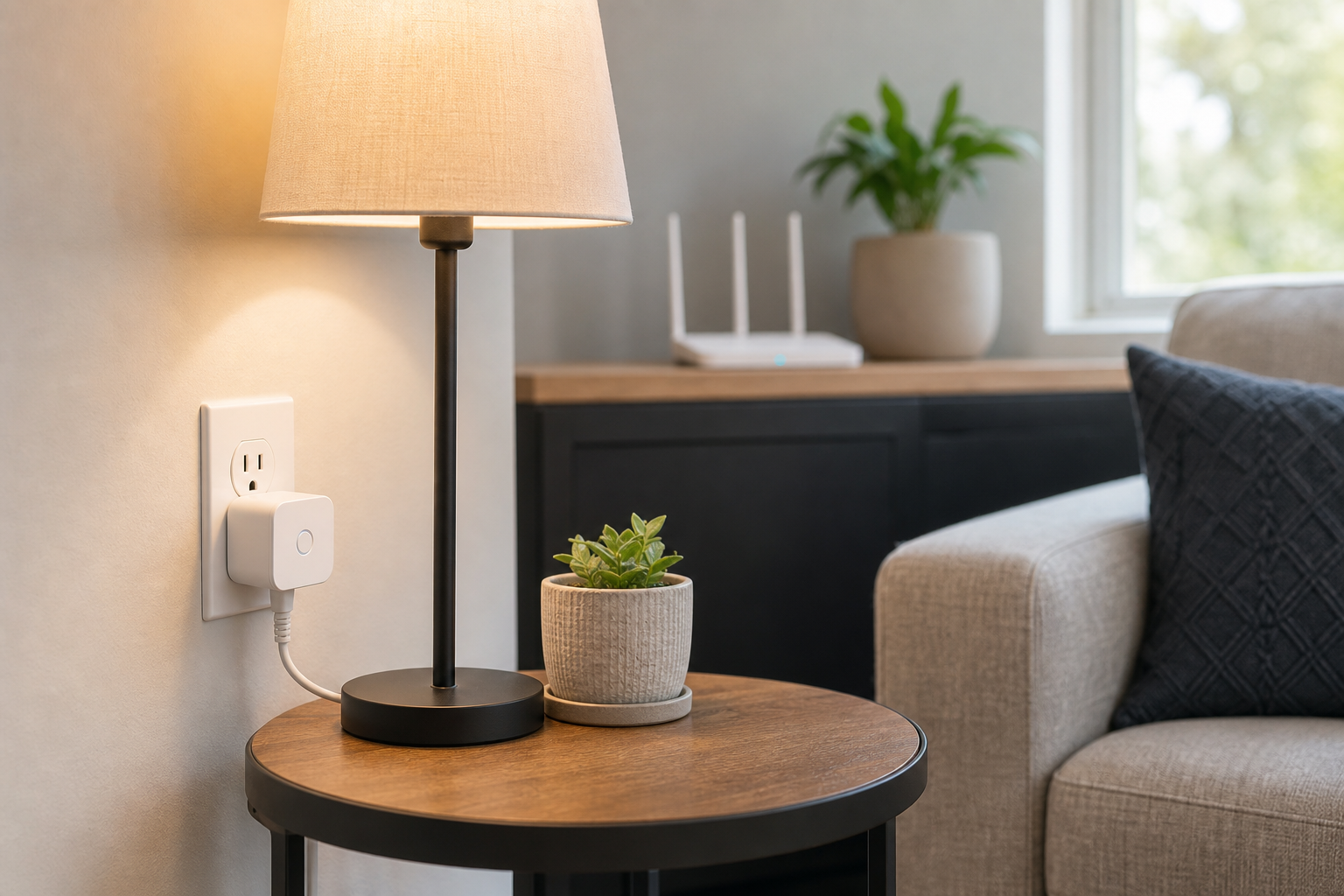
Smart plugs, thermostats, and some cameras may use 2.4 GHz only. A strong 5 GHz phone connection near the router does not prove a low-power smart device will work at the far end of the home. Test the actual device in its final location.
Use the Stairs and Open Areas to Your Advantage
An open stairwell can act as a relatively clear path between levels. If the router must stay on one floor, positioning it near the stair opening may improve upstairs coverage more than placing it against an exterior wall. Do not block a walkway or place the router where a cord creates a trip hazard.
Homes with radiant barriers, thick plaster, concrete floors, or masonry fireplaces may need additional equipment despite good placement. Building materials can matter more than square footage.
Test Coverage Before Buying More Equipment
Walk through the home with a phone or laptop and test a video call, page load, or speed test in common use locations. Repeat at different times of day. Record dead zones, weak rooms, and places where devices disconnect rather than relying on a single result beside the router.
Test both floors, outdoor areas you expect to use, and the locations of fixed smart devices. If a problem occurs only in one room, moving the router a few feet may help. If several distant rooms are weak, expand coverage instead.
When a Mesh System Makes Sense
A mesh system uses multiple coordinated access points to extend coverage. Put the main node near the modem and place additional nodes where they still receive a strong signal from the previous node. A node placed inside the dead zone may have too little signal to improve it.
Wired Ethernet backhaul between nodes usually provides the most consistent results when the home supports it. Follow the maker’s spacing and setup guidance, then test again before adding extra nodes. More nodes are not always better if they are crowded together.
Avoid Common Setup Mistakes
Do not place the router beside a cordless-phone base, behind a fish tank, under a pile of papers, or in an unventilated cabinet. Avoid using an old range extender as the first fix when its connection to the main router is already weak.
Keep router firmware current, use a strong unique Wi-Fi password, and disable no security features merely to accommodate an old device. If an individual device cannot connect, troubleshoot that device separately after confirming overall coverage.
Know When to Ask for Help
If the best central location has no suitable cable connection, a networking professional can assess Ethernet, coaxial, or other approved options. Ask an internet provider for support when the modem itself loses connection or service is unstable before Wi-Fi reaches the router.
Do not run permanent cables through walls, ceilings, or electrical spaces without understanding applicable safety requirements. A neat, safe installation is worth more than a temporary cable route that creates damage or a hazard.
Frequently Asked Questions
Should my router be upstairs or downstairs?
A central location near the middle height of the home is often best. An open stair landing can work well, but the building layout and connection location determine the practical choice.
Is the basement a good place for a router?
Usually not unless the basement is central and heavily used. A low exterior corner makes it harder for the signal to reach the upper floor.
How far should a mesh node be from the router?
Place it where it still has a strong connection to the router, not at the edge of a dead zone. Follow the manufacturer’s app and setup guidance.
Will a router work inside a cabinet?
It may work, but cabinets and nearby electronics often weaken signal and trap heat. An open, ventilated location is better.
Final Thoughts
Put a two-story-home router in an open, central, elevated location and test coverage where you actually use devices. Keep it away from obstructions, heat, and outer corners, and use the stairwell or open spaces to help the signal cross floors.
If the home still has consistent weak areas, add coverage with a properly placed mesh node or wired access point. Good placement is the foundation; additional equipment should solve measured gaps.
 ✓
✓